Monero / Wallets
Monero Wallet Sync Fix Would Reject Invalid Daemon Heights
Monero PR 11720 adds a wallet sync check for invalid daemon start heights. What the code, regression test and current release establish.
Monero
Fix a Monero wallet that is offline, stuck syncing or missing payments. Check the node connection, scanning progress and restore height.
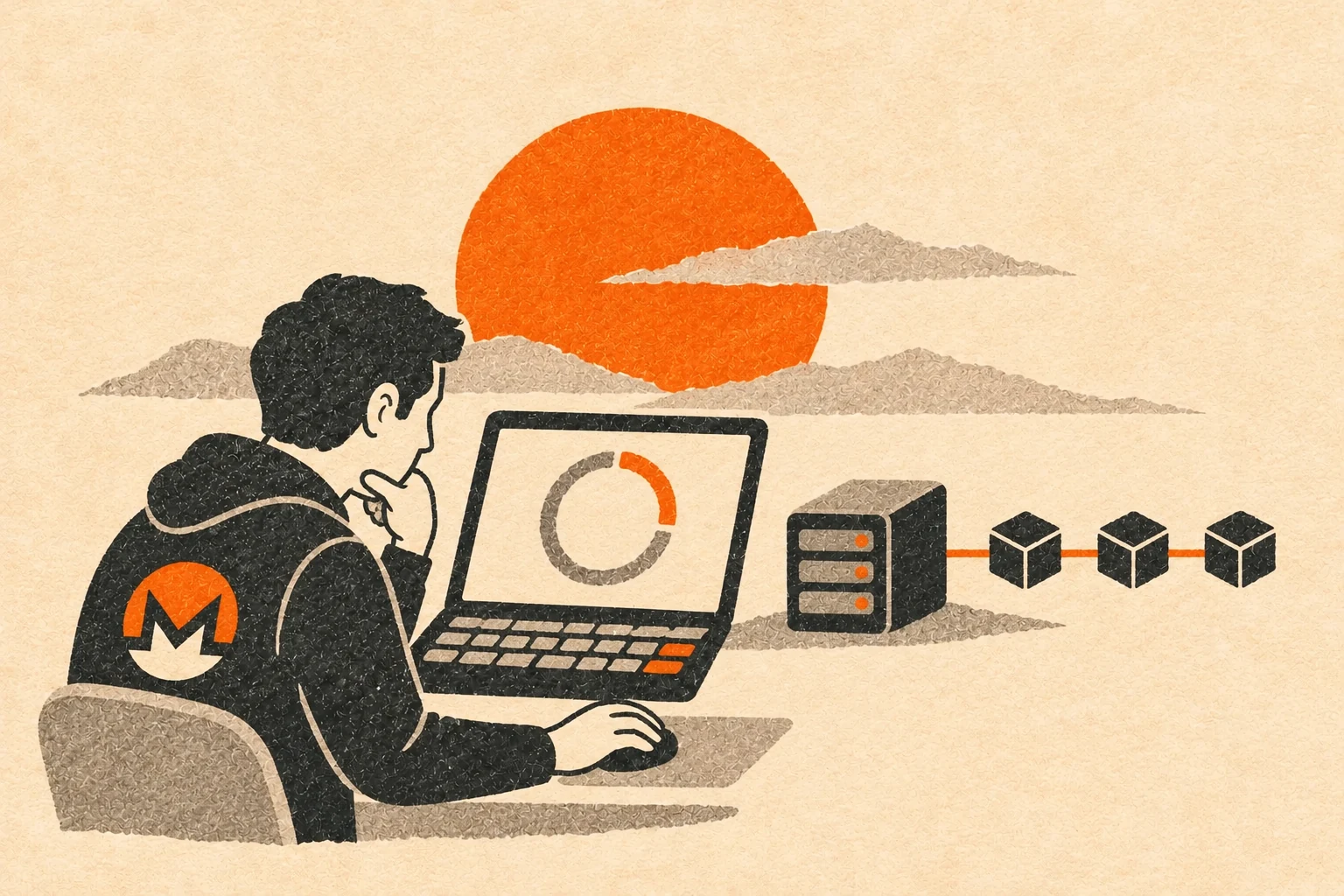
If your Monero wallet is not syncing, first check whether it is disconnected, waiting for its node, or still scanning blocks. These problems need different fixes. Reinstalling the wallet or changing its restore height before identifying the problem can create more work.
Record the wallet version, exact status message and whether any block counters are moving. Keep your recovery information private. A support request should never include your seed or private keys.
A node obtains and checks blockchain data. Your wallet scans that data to find payments belonging to it. A remote node saves you from maintaining a blockchain database on that device, but the wallet still has scanning work to do. See Monero's wallet and node overview.
| What you see | What to check first |
|---|---|
| Disconnected or no daemon connection | Node address, port, connection method and network access |
| Local node still downloading blocks | Node progress, free disk space and whether the machine is staying awake |
| Node caught up, wallet blocks remaining | Wallet scanning progress and the starting point for that scan |
| Scan finished, older payments missing | Correct wallet, selected account and restore height |
| Payment visible but unavailable to spend | Spendable balance and confirmation requirements |
Watch the counters over a short interval. A slow counter that keeps changing gives different evidence from an error that immediately returns every time you connect. Sync duration varies with the device and wallet history.
If you use a remote node, compare the saved address and port with the operator's published connection details. Check whether that endpoint expects TLS, Tor or I2P. A reachable website on the same domain does not establish that its wallet endpoint is working.
If you intentionally configured a proxy, confirm it is running. Opening Tor Browser alone does not configure the wallet's connection. If the node appears unavailable, try another operator you have assessed or a node you control. The wallet connection guide covers the setup steps.
Changing a node address does not require transferring your funds to a new wallet. Do not mark an unfamiliar node as trusted just to see whether that removes a problem. The remote-node privacy documentation explains what that setting can disclose.
If you deliberately keep a signing device disconnected, its offline status may be expected. The offline wallet guide covers that separate arrangement.
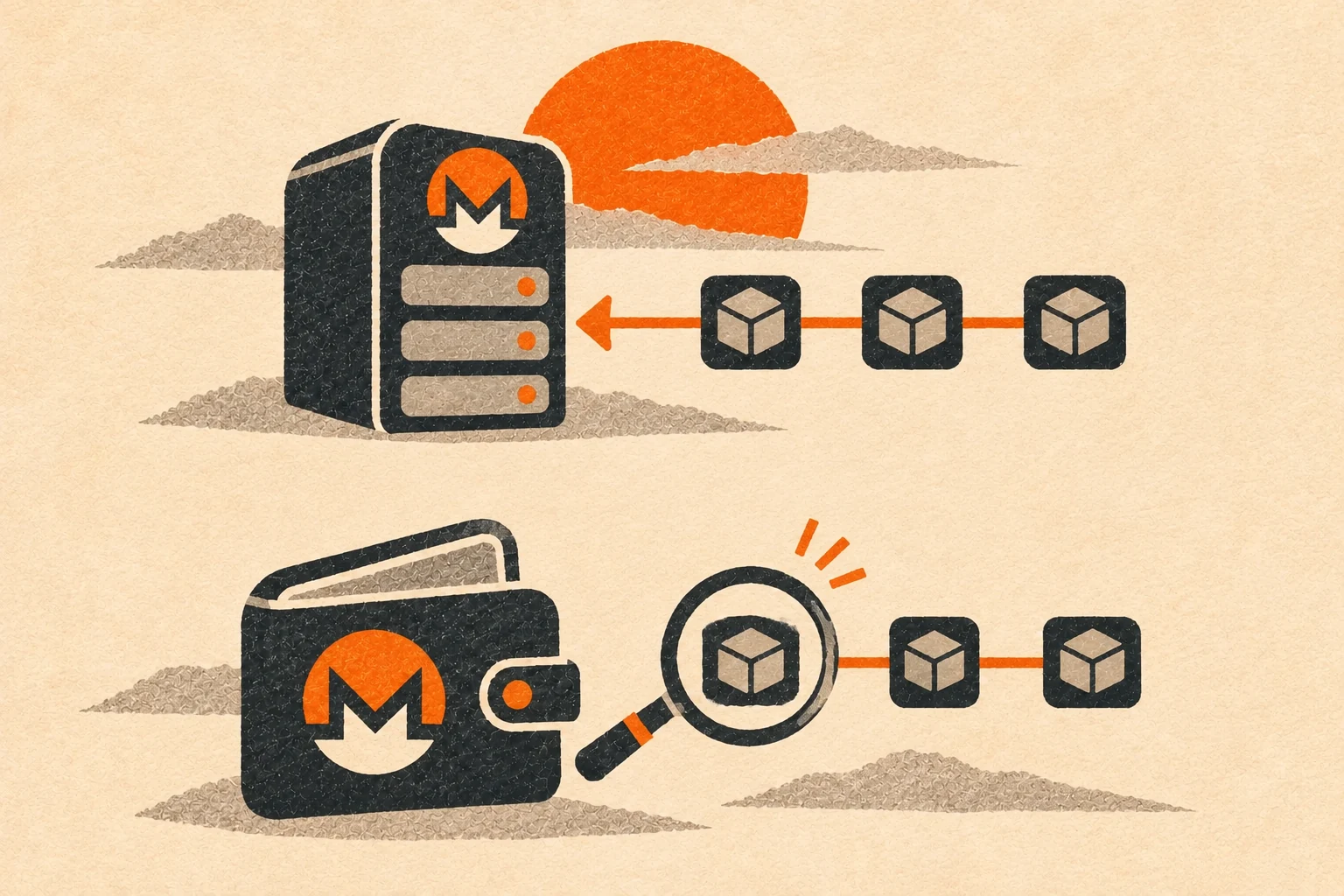
For a local node, check its own status before changing wallet settings. An unfinished node cannot supply blocks it has not downloaded. Keep the device awake and check available storage if progress stops. Preserve the exact error message instead of deleting the blockchain database as a first response.
When the node is current, allow the wallet scan to continue. Closing the application repeatedly to test different settings makes it harder to see whether the original scan was progressing. If the problem persists, use the wallet's own documentation for its log location and troubleshooting procedure.
Restore height tells a wallet where to begin searching the blockchain. A starting point later than your first incoming payment can cause it to miss funds. An earlier starting point takes longer to scan but includes the older history.
Choose a point before the wallet first received funds, not the date you reinstalled the application. If you are unsure, err on the earlier side. Monero's restore-height guide documents the GUI setting under Settings, Info and Wallet restore height.
Read the wallet's rescan warning before proceeding. Save a backup of its files as well as its recovery information, because a seed does not reproduce every local note or transaction record. The official wallet-file documentation explains the difference.
Changing restore height starts another scan. Wait for it to finish before deciding whether the balance is correct.
Confirm you opened the intended wallet and account. Ask the sender for the transaction ID and check whether they broadcast the payment. An exchange's internal withdrawal reference may be a different identifier.
If the payment is visible but unavailable to send, consult the spendable-balance guide. That is a different problem from failure to synchronize.
For further help, provide the wallet name and version, operating system, connection type, exact error and whether the node and wallet counters advance. Remove private details from logs before sharing them. Those observations give someone a way to diagnose the problem without needing control of your wallet.