Monero / Exchanges
DEX vs CEX vs Instant Swaps for Monero
Compare Monero exchange options by custody, total fees, privacy, refunds, and settlement. Learn how CEXs, peer-to-peer DEXs, and instant swaps differ.
Monero
Understand Monero network fees, exchange withdrawal charges and swap quotes. Learn what to check before sending XMR and how to compare the total cost.
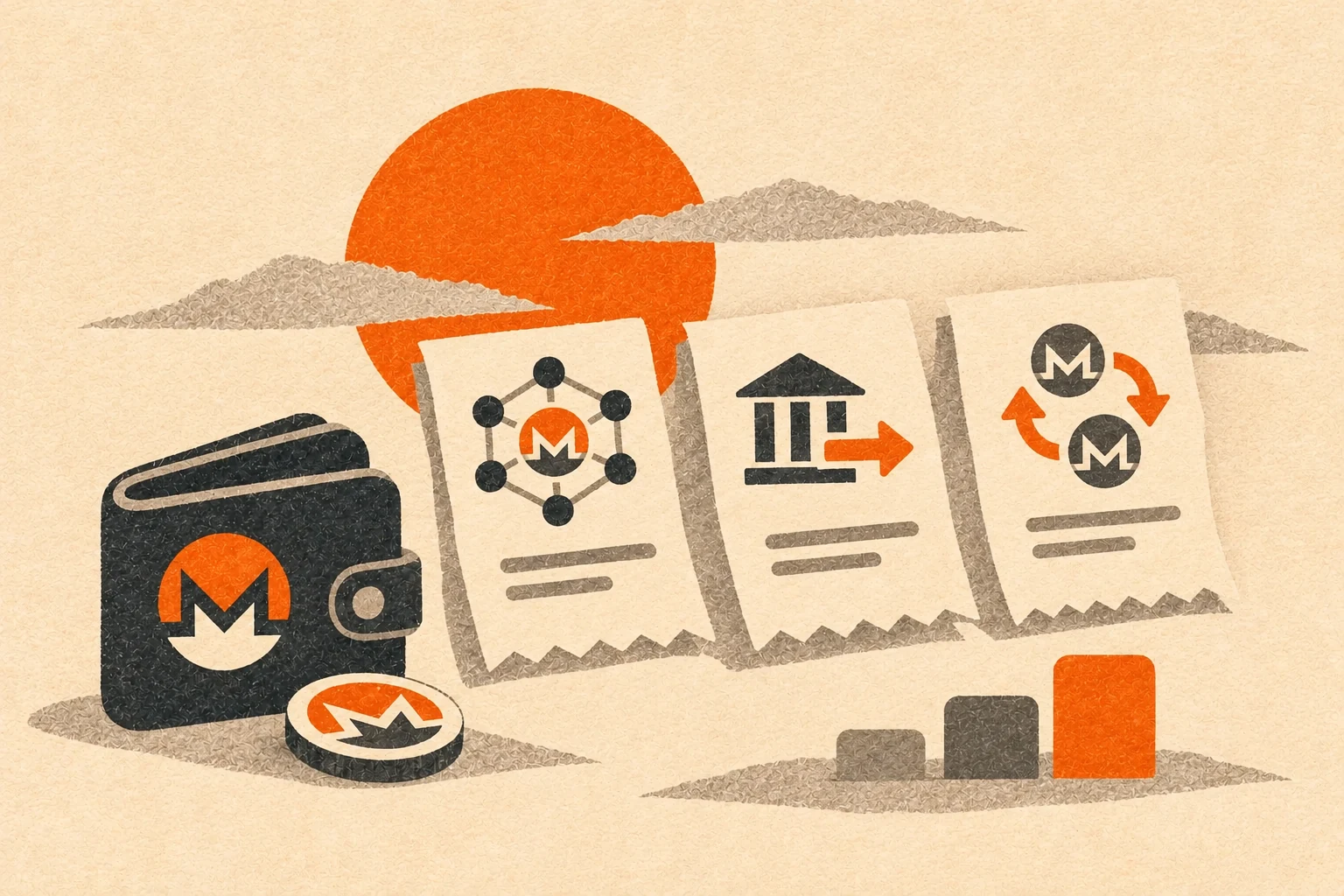
A Monero transfer fee can mean different charges. Sending XMR from your own wallet incurs a network fee. Withdrawing from an exchange uses that service's withdrawal terms. Swapping another currency for XMR adds a quoted exchange rate and may include other charges.
Before comparing prices, identify which action you are taking. A low network fee does not tell you how much an exchange withdrawal or swap will cost.
The sender pays the network fee. It depends on the transaction's data size and network conditions, rather than a percentage of the XMR sent. Spending many separate outputs can require a larger transaction than spending one output. An output is an individual piece of funds your wallet received.
Two people can send the same amount and receive different fee estimates because their wallets assemble different transactions. The official Monero payment guide explains this distinction and the GUI's transaction-priority setting.
Use the fee shown by your wallet for the transaction you are preparing. A figure quoted in an old article cannot account for your transaction or current conditions. A conversion into dollars also changes when the XMR exchange rate changes.
Read the destination, recipient amount and fee together. If you intend to pay someone exactly 1 XMR, check that the recipient amount remains 1 XMR and that your available balance covers the fee as well. A send-all option may calculate the amount differently from a manually entered payment.
In Monero GUI, the official guide recommends Automatic priority for ordinary use. Choosing a higher priority is not a promise of an exact confirmation time. Do not select it solely because you are worried that a normal payment will disappear.
If the displayed fee looks unexpectedly large, stop before confirming. Check that the wallet is current, inspect its priority setting and check the node connection. Monero's remote-node documentation describes inflated fee estimates as one way a dishonest node can mislead a wallet. An unusual quote deserves investigation, but does not by itself prove an attack.
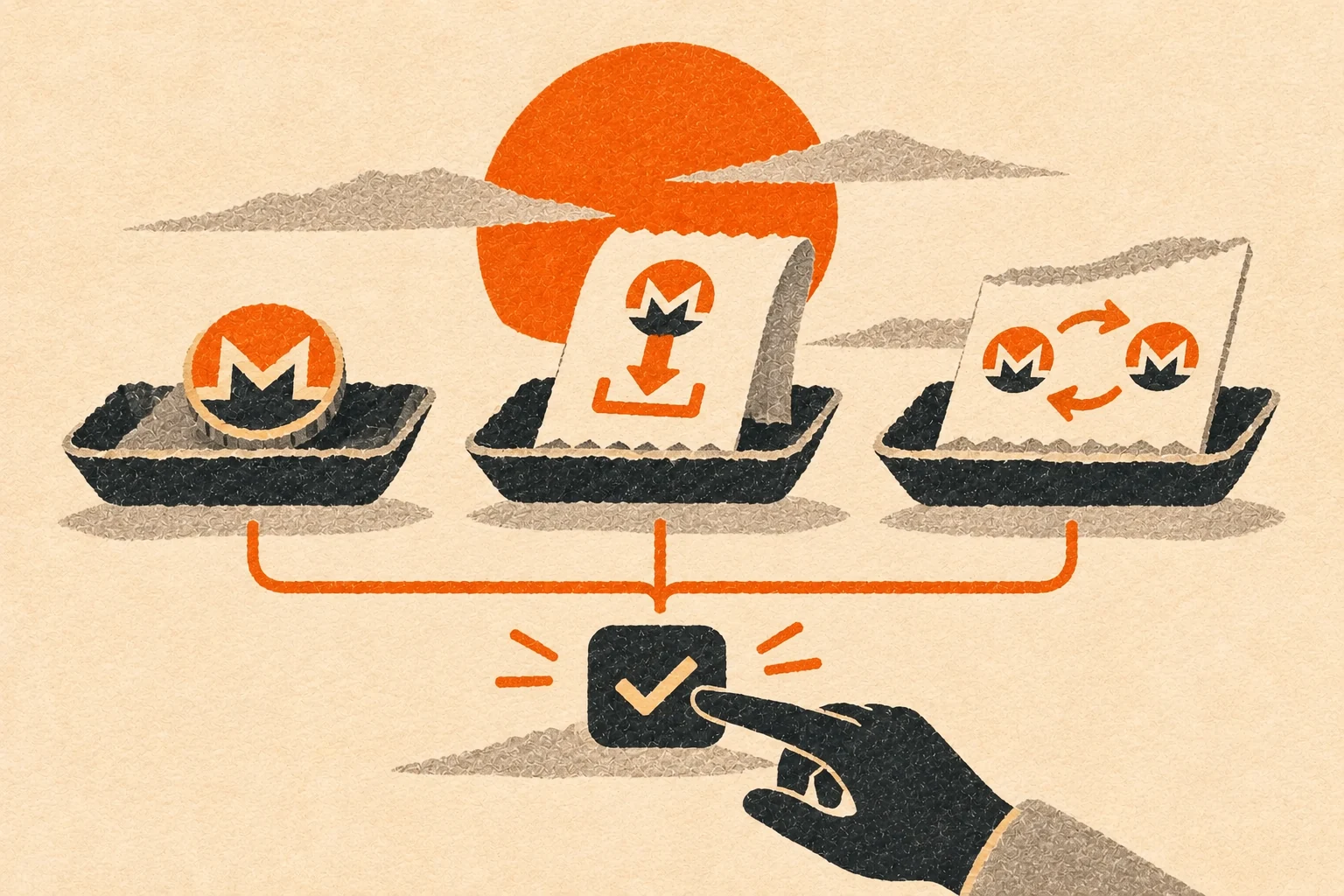
An exchange controls the terms for withdrawing funds held in your account. Read the withdrawal screen before you submit the request. Check the minimum withdrawal, any charge, and the amount the destination wallet is expected to receive.
Do not assume a charge labelled a network fee equals the fee that later appears on the blockchain. The service's displayed charge and the network transaction are different records. A withdrawal can also share a transaction with other withdrawals.
For a simple arithmetic example, suppose a service says it will deduct 0.01 XMR from a requested withdrawal of 1 XMR. The stated destination amount would be 0.99 XMR. This is an invented example, not a current exchange quote or a typical Monero fee.
Keep the withdrawal receipt until you have checked the incoming payment in your own wallet. If the received amount differs from the service's quote, that receipt gives you something concrete to ask about.
A swap quote needs more than a percentage fee to be useful. For the same input amount, compare the expected output, charges paid separately, quote expiry and any conditions that can change the result.
Ask whether the displayed output already includes the outgoing network charge. Also check whether the rate is fixed for a defined period or can change during processing. Do not subtract the same charge twice when comparing offers.
Our exchange comparison guide explains the different trading models. Price is only one consideration when a service will hold funds or impose withdrawal conditions.
If your wallet shows funds but cannot send the amount you entered, read both the total balance and the spendable balance. Funds can be visible before they are available to spend. Raising the fee does not make locked outputs spendable.
See why a Monero balance may not be spendable before changing settings. For an ordinary payment, the useful final check is straightforward: the correct recipient, the intended amount, sufficient spendable funds and a fee you have reviewed.