Monero / Payments
Monero Point of Sale in 2026: Adoption, Software, and Real-World Usage
Explore Monero point-of-sale adoption in 2026, available merchant software, payment infrastructure, real-world usage, and remaining challenges.
Monero / Payments / Guides
Plan a Monero checkout with order-specific addresses, payment verification, confirmation rules and refunds. Compare manual invoices with an automated gateway.
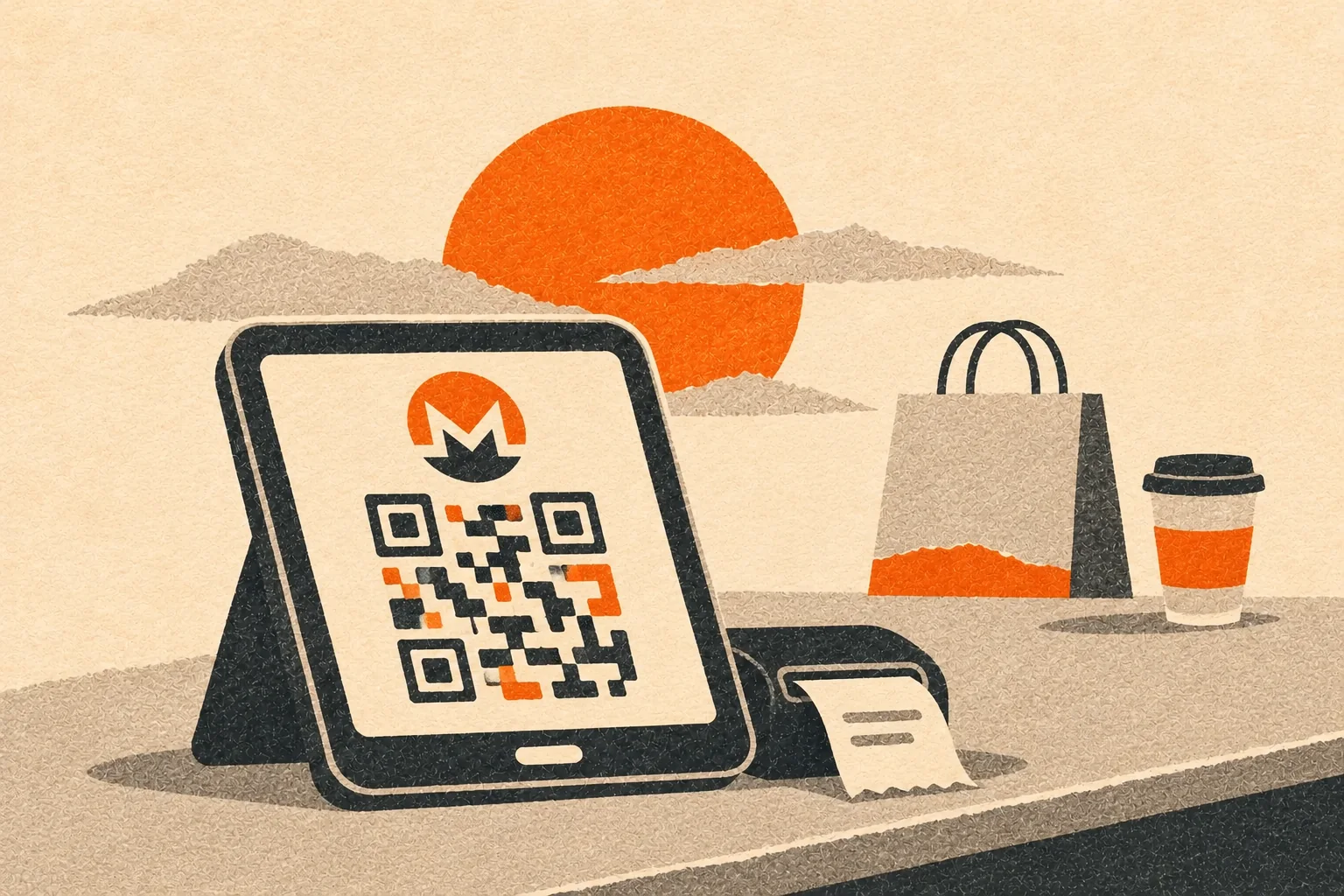
To accept Monero on a website, give the customer a receiving address and an XMR amount, then verify the payment in your wallet before fulfilling the order. For occasional sales you can do that manually. An automated checkout also needs to connect each payment to an order and handle late, incomplete or repeated payment notifications.
A payment gateway can help with those tasks, but you still decide when to release goods and how to handle refunds. This guide follows one online order through that process. For a survey of available tools and their documented limitations, see our Monero point-of-sale report.
Start with the amount of work your shop can reliably handle. The Monero project's accepting guide explains wallet receiving addresses, QR codes and merchant features.
A page with a donation address can receive XMR, but it does not by itself connect payments to separate customer orders. Showing a price in your local currency does not convert the received XMR into that currency. Decide whether you will keep XMR or arrange conversion separately.
For a manual invoice, create a receiving subaddress and label it with the order number. Keep the order-to-address mapping in your records. Monero's subaddresses let one wallet receive through different addresses without creating a new wallet for each sale.
Suppose your shop creates order ML-1042 with an illustrative price of 0.05 XMR. Show the customer that amount, the assigned address, a payment QR code and the invoice's expiry time in UTC. If the price began in another currency, save the rate and time used to calculate the quote. This example is not a current exchange-rate quotation.
Explain what happens if payment arrives after expiry. The address can still receive XMR after the shop invoice expires. Your staff or application still needs to detect a late transfer and decide how to resolve the order.
For automation, MoneroPay's receiving API is one documented example. Its POST /receive endpoint creates a subaddress, and GET /receive/:address reports incoming transfers. Save the returned address against the order before showing the checkout page. Monero Wallet RPC also exposes address creation and incoming-transfer methods in its official reference.
Do not put wallet credentials or private keys in browser JavaScript. Your server should send the customer only the information needed to pay and view that order's status.
The customer pressing an "I paid" button is a request to check, not proof of receipt. A screenshot or browser redirect should not mark an order paid. Query your receiving wallet or payment backend and compare the observed transfer with the order's address and expected amount.
Keep the following states distinct:
| State | Meaning for the shop |
|---|---|
| Awaiting payment | The backend has not detected a matching transfer. |
| Detected | The backend sees a transfer, which may still be unconfirmed. |
| Underpaid | The amount received is below the invoice amount. |
| Confirmation policy met | The observed payment meets the shop's stated release policy. |
| Fulfilled | The shop has supplied the goods or service. |
Store the payment evidence separately from fulfillment. A repeated notification should update the same order rather than cause a second shipment or credit. This is often called idempotent processing: receiving the same event again must not repeat its business effect.
MoneroPay's callback documentation says applications should also query payment status periodically in case callbacks fail or the application is offline. Treat callbacks as prompts to check the trusted backend. Do not let an arbitrary internet request mark an invoice paid.
A transaction detected before a block includes it has zero confirmations. Releasing goods at that point accepts the risk that the payment never confirms. More confirmations provide more assurance, but the right release policy depends on the sale's value and whether you can reverse fulfillment.
Do not promise an exact payment-completion time. Network conditions and block arrival vary. State what the customer will see while waiting and how to contact you if the invoice remains pending.
Also distinguish your fulfillment policy from wallet spendability. Funds may be visible before they become available for the merchant to spend. Our balance guide explains that delay.
Read the backend's definitions rather than assuming that "complete" means the same thing everywhere. MoneroPay's receiving documentation sets complete when the unlocked amount equals or exceeds the expected amount. Its optional zero-confirmation mode adds callbacks at detection, one confirmation and unlock. Choose deliberately which event your store uses for each status.
MoneroPay's security guidance says to run the service on a local network and keep it off the public internet. It describes an authenticated, encrypted reverse proxy when remote access is necessary.
Keep payment-backend and wallet access separate from the public checkout. Give each component only the access it needs. If payment detection uses a view-only wallet, its inability to spend does not make its view key public information. It still exposes incoming-payment information. See our offline wallet guide for the difference between viewing and signing.
Protect the store too. Someone who can replace its checkout address can redirect new customer payments without breaking Monero. Restrict administrative access, keep the website updated and test the displayed address against the backend's saved invoice.

For each order, keep the quoted amount, receiving subaddress, payment records, status changes and fulfillment record. Record any exchange-rate calculation and refund decision. Avoid putting customer names or delivery details into public URLs or unnecessary logs.
Ask the customer for a refund address through an authenticated support or order channel. Monero does not supply a reusable sender address that your store can simply send back to. Agree on the refund amount and treatment of fees, check the address, and record the outgoing payment against the original order. The Monero payment guide explains which transaction details a recipient learns.
Do not assume a seed backup restores every business record. Keep protected backups of the order database, address mappings and relevant wallet files, and test restoring them together. A wallet balance alone cannot tell you which orders your shop has already fulfilled.
Run a small trial from invoice creation through receipt, fulfillment and refund. Also test an underpayment, two transfers toward one invoice, a late payment, a repeated callback and a temporary backend outage. Check that an expired invoice does not discard a real payment and that replaying a notification cannot repeat fulfillment.
Ask someone unfamiliar with the store software to follow the checkout instructions. They should be able to identify the amount, address, waiting state and support route without knowing what Wallet RPC or a callback means.
Enable the payment option only after you can match the customer's payment to the order, explain its status and recover the records needed to resolve a mistake.