Monero / Privacy
Monero Wallet Privacy: How a Remote Node Could Identify Your Pending Transaction
Monero PR #11744 targets a wallet request pattern that can expose a pending transaction to a remote node. Review the code, tests and proposed fix.
Monero
Compare your own Monero node with a public remote node: what the operator can learn, who holds your keys, and what you need to maintain.
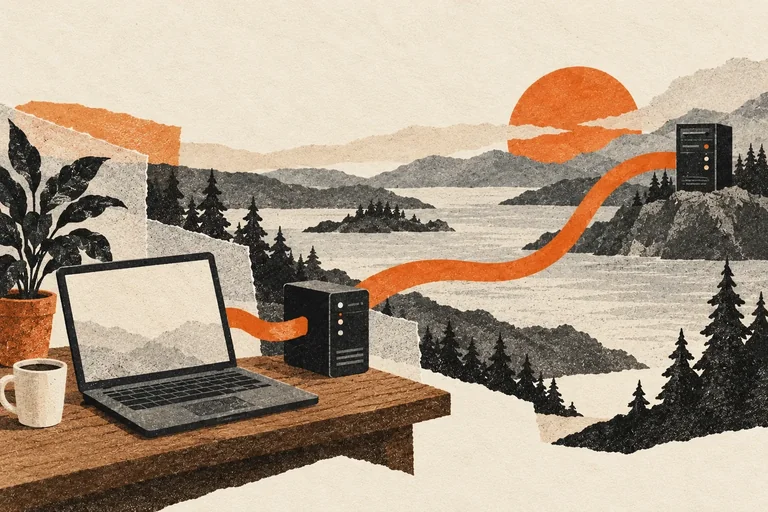
When your Monero wallet asks for a node, it needs a source of blockchain information. You can operate that node yourself or connect to one provided by somebody else.
A wallet and a node have different jobs. The wallet manages your keys and identifies your payments. The node maintains blockchain data and communicates with the Monero network. The official software calls the node program monerod. Monero's software overview explains the separation.
A local node runs on the same machine as your wallet. You reach a remote node over a network. You might own that remote machine yourself.
Check where the node runs and who controls it. A home server that you access from your phone is remote from the phone, but you still operate it. A public node supplied by a volunteer is operated by somebody else.
"Use your own node" does not mean you must store the blockchain on your phone.
In a normal full-wallet setup, connecting to a remote node leaves your seed and private keys on your device. The node cannot simply spend your funds, and serving blocks does not directly reveal your wallet balance.
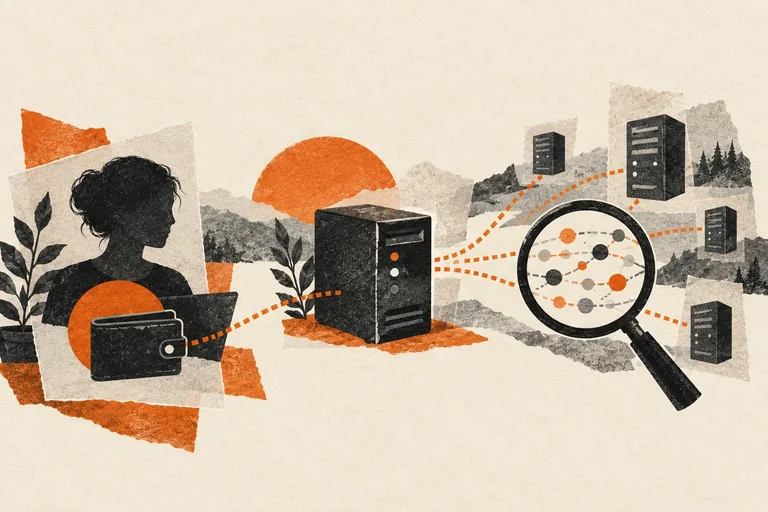
An operator may observe your connecting IP address, activity timing, and the transactions you submit through it. A dishonest node can also withhold information or refuse to relay a transaction. These are reasons to care who supplies the service even though they do not hold your keys. Monero's remote-node privacy guide. See pending transaction privacy on public nodes for a concrete example.
The same guide warns about marking an unfamiliar node as trusted. That setting can enable requests which disclose more wallet information. "It connected successfully" is not a reason to turn it on.
For light-wallet services that use a different scanning model, check that service's design separately. Do not assume every product called a wallet has the same relationship with its server.
Operating the node gives you control over its software, availability, and connection settings. Your wallet no longer depends on an unknown public operator for that service. You also take responsibility for the machine.
You need storage for the initial synchronization and time for updates and troubleshooting. A computer that is asleep cannot serve your phone while you are out. You also need to watch disk space so the database has room to grow.
Before choosing a machine, consider where it will run, how often it will be online, and who will install updates. Those decisions affect whether the node will be available when your wallet needs it.
Running a node at home does not automatically conceal your IP address from network peers. Monero has separate options for routing node connections and transaction broadcasts over Tor or I2P. Those settings solve a different problem from ownership of the machine. Monero's Tor and I2P configuration documentation.
With somebody else's node, an onion or I2P connection can avoid exposing your ordinary IP address to that operator. HTTPS can protect traffic in transit, but does not hide your IP from the server. The connection needs to be configured in the wallet. Opening Tor Browser does not route every other app through Tor.
Keep remote access restricted to what you need. You can run a personal node without offering an unrestricted public service. Follow the current monerod reference when configuring its RPC interface.
For occasional use on a phone, a remote node can be a practical starting point. Check who operates it, how you connect and whether you can contact the operator when it fails. A listing in a public directory does not establish trustworthiness. If you use Monero regularly and want more control, consider operating your own node.
Storage concerns do not automatically rule that out. Pruning reduces the storage used by your own node's database.
Our wallet connection guide covers the practical connection step. Once connected, check synchronization and try a small payment before relying on the setup for something important. Changing the node connection does not require creating a new wallet or moving your funds.