Monero / Wallets
Feather Wallet Setup: Your First Monero Payment
Set up Feather Wallet, verify the download, back up your seed, choose a node and send a small Monero payment. Learn what to check when funds seem missing.
Security
Feather maintainer tobtoht warns that featherwallet[.]com serves fund-stealing downloads. Check the official address, release key and file signature.
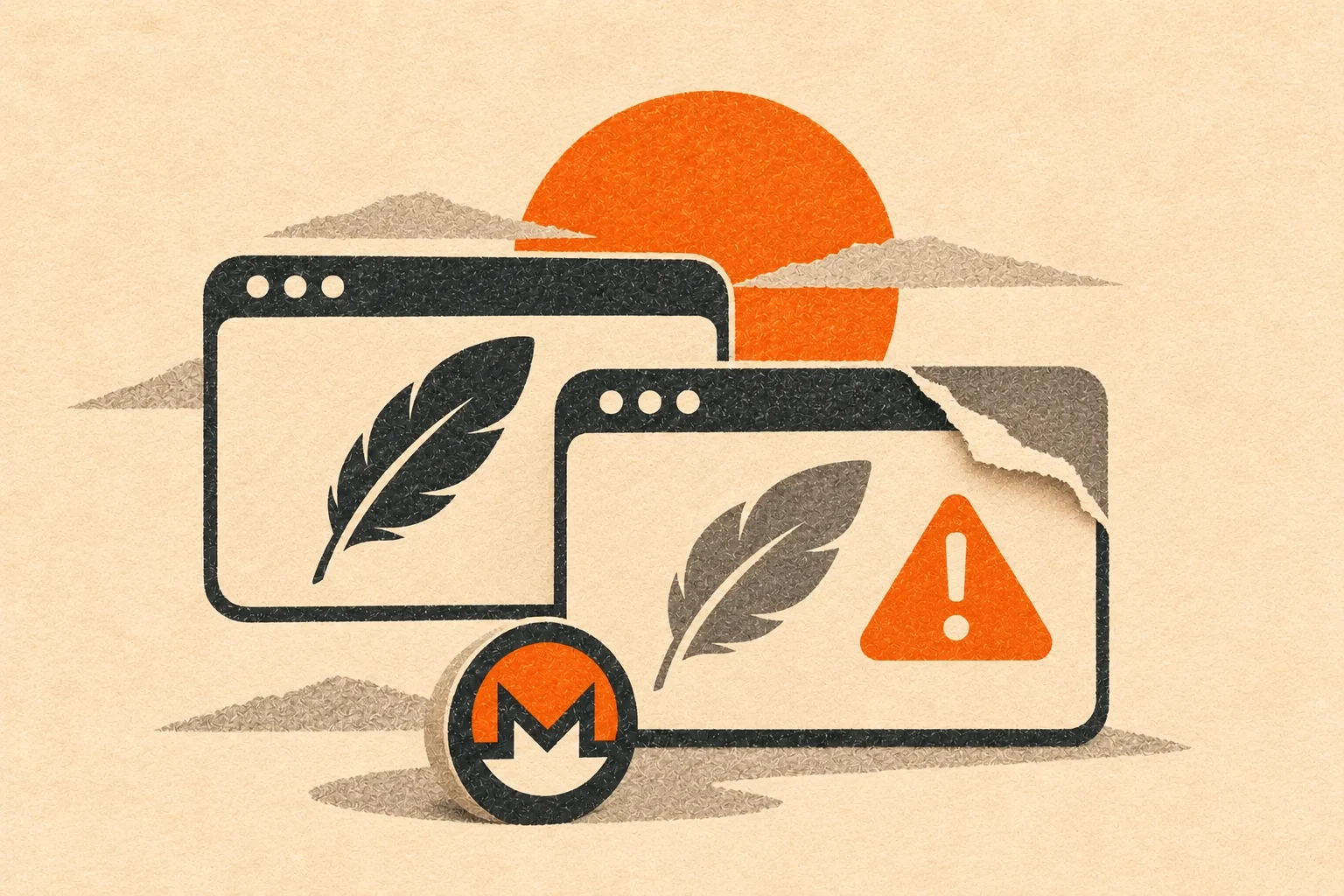
Feather maintainer tobtoht warned on November 13, 2026 UTC that featherwallet[.]com serves malicious downloads that steal users' funds. The legitimate download address is https://featherwallet.org/download. In issue #326, tobtoht said the impersonating site looks identical to the official site and urged users to verify downloads with GPG signatures.
The disclosure concerns counterfeit downloads. It does not identify a vulnerability in an official Feather release. Our November 4 Feather 2.9.1 report covers that release separately.
At review on November 21, 2026 UTC, the issue had no follow-up comments. It did not establish when the campaign began, which platforms the malicious files targeted, victim numbers, losses, a theft mechanism or a takedown. November 13 is the warning date, not a confirmed campaign start date.
Download the file for your system from the official address above. Save the signature linked beside that exact download. This detached .asc signature must match the version, architecture and file variant you downloaded.
Get featherwallet.asc using Feather's release signing key instructions. Import it, then compare its full fingerprint with the documentation and an independent channel listed there, such as the Feather Matrix channel description or monero.town community sidebar. Do not trust a name, email address or short key ID alone.
The documented FeatherWallet release-key fingerprint is:
8185 E158 A333 30C7 FD61 BC0D 1F76 E155 CEFB A71C
We checked it against Feather's current documentation source and project README. This is the release key, separate from tobtoht's personal Git tag-signing key.
For this Linux x64 AppImage example, install GnuPG and put the AppImage, matching signature and key in one directory. Follow the Linux guide:
gpg --import featherwallet.asc
gpg --fingerprint 8185E158A33330C7FD61BC0D1F76E155CEFBA71C
gpg --verify feather-2.9.1.AppImage.asc feather-2.9.1.AppImage
Compare the fingerprint before running the verification command. Substitute both filenames if you downloaded another version or variant. The final command checks the actual downloaded file against the detached signature. Require a good signature from the independently checked release key before opening the app. Stop if the fingerprint differs or verification fails. A good signature authenticates the file against that key. Signed software can still contain bugs.
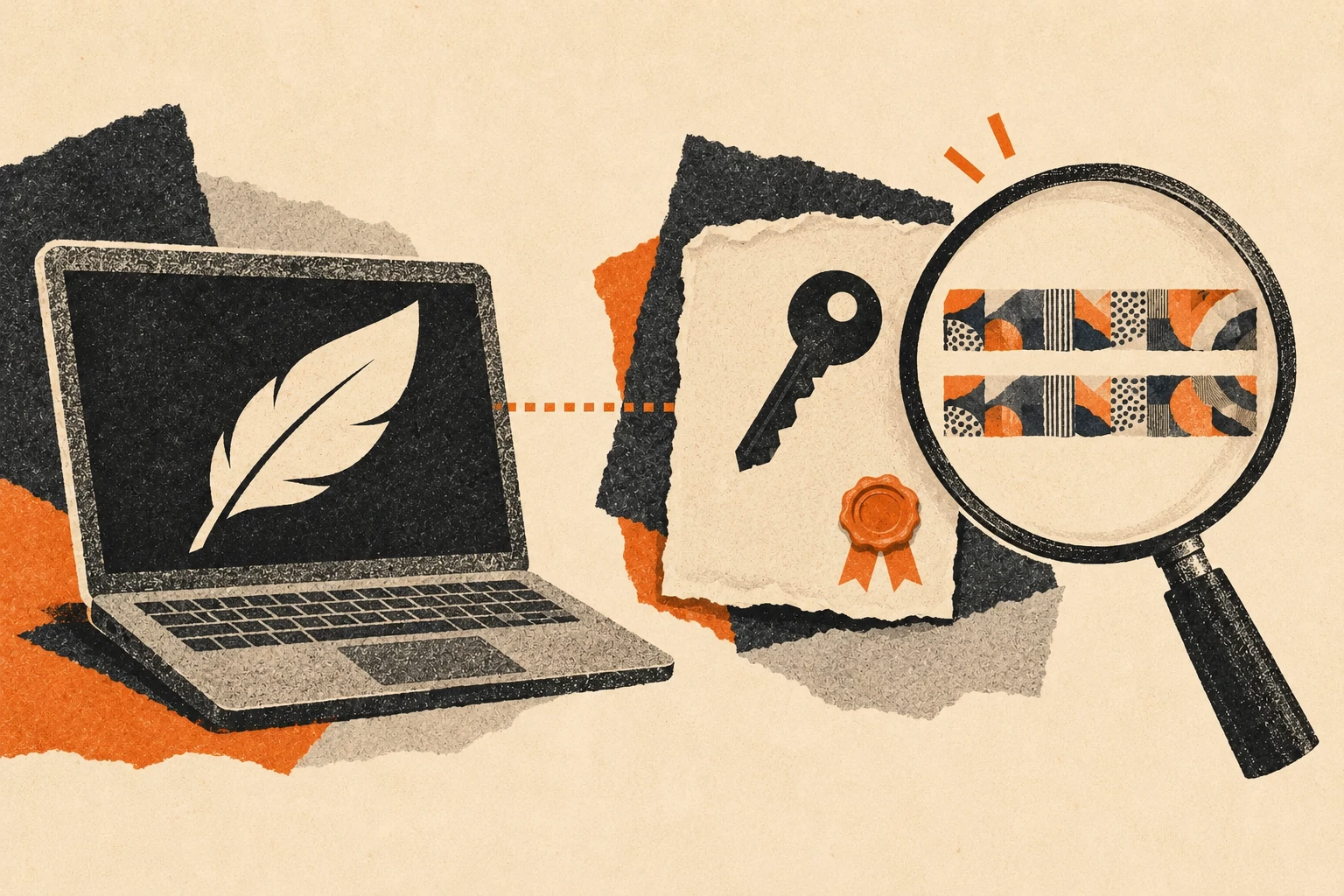
Use the official instructions for Windows, macOS or Tails for those systems.
The following is general incident-response guidance, not a recovery procedure issued by Feather in #326.
Saved it without running it? Saving a file is different from executing it or disclosing a seed. Do not open it. Remove the suspect download and get a verified copy from the official site.
Ran it? Treat that device as potentially compromised, even if you never typed a seed. Disconnect it from the network and stop using it for wallet operations. Seek help assessing and rebuilding the device before trusting it again.
Entered a recovery seed? Treat that wallet as compromised. A seed can restore a wallet. Reinstalling the official app cannot revoke someone else's copy. On a separate trusted device, use verified wallet software to create a fresh wallet with a new seed. Use that trusted device to transfer any remaining funds from the exposed wallet to the new wallet. Do not reuse the exposed seed for future funds or share it with anyone offering recovery help.