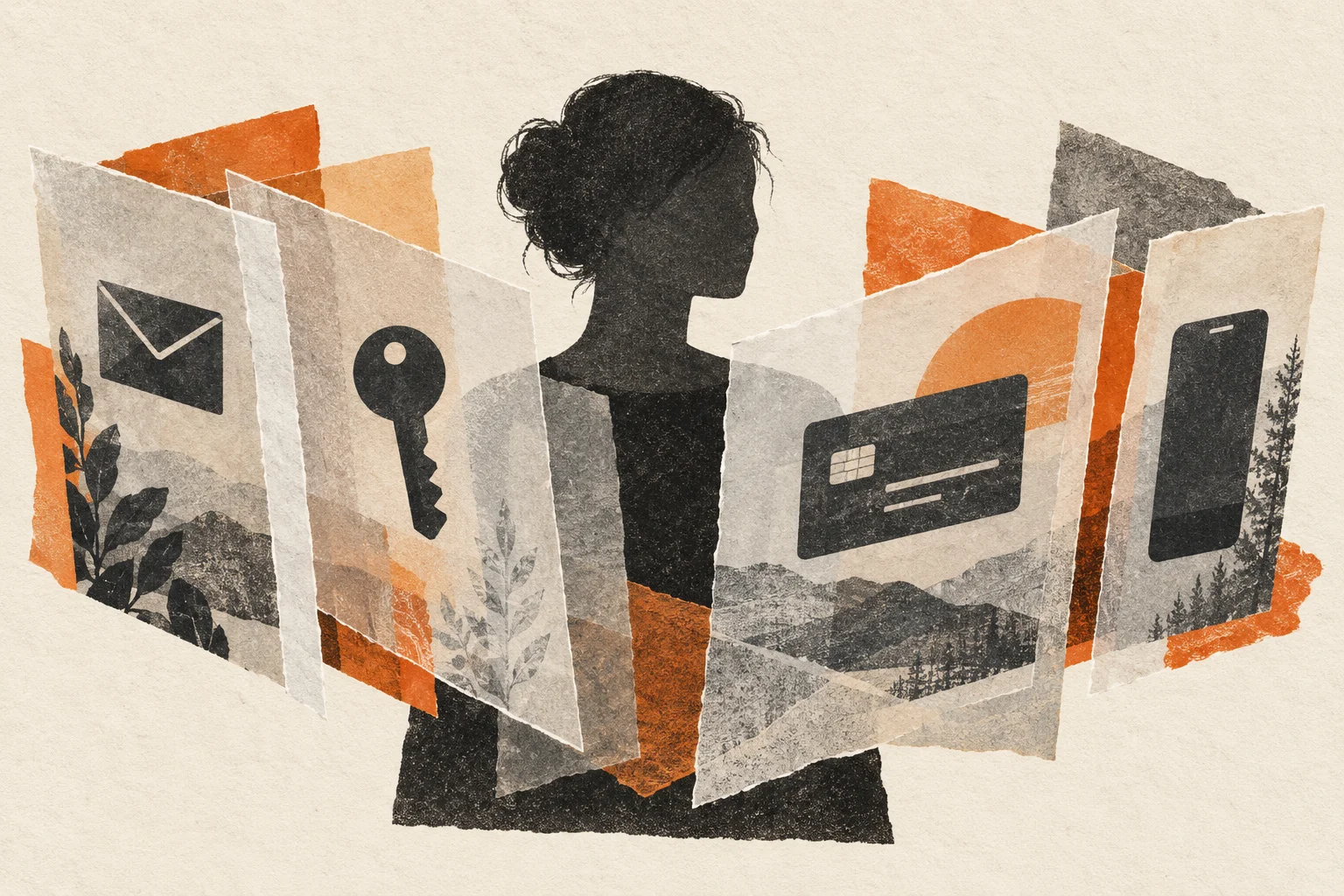
Buying something online shouldn’t mean giving a company a permanent route into your life. But look at a normal checkout: your name, home address, everyday email, phone number, and payment details. You hand it over, get your order confirmation, and probably never think about that account again.
The company might keep that information for years.
You don’t get to choose how carefully they store it, which contractors can access it, or whether an old customer database ends up for sale. You do get some say in what you hand over in the first place.
That’s where basic privacy habits help.
This is a beginner’s guide to protecting your identity online. None of the steps here make you anonymous. An email alias, a virtual payment card, and a second phone number won’t make you disappear. They put a few layers between your everyday identity and the businesses you deal with. If something leaks, those layers can leave you with fewer problems to clean up.
You can start without changing your whole life.
What crypto data breaches can expose
Consider what happened to Ledger customers. In its update about the 2020 breach, Ledger said the publicly released database contained more than a million email addresses and approximately 272,000 customer records with names, addresses, and phone numbers. Those were details people had supplied while buying a hardware wallet. Ledger’s breach update.
Think about what that tells someone reading the list: here’s a person interested enough in cryptocurrency to buy a hardware wallet, and here’s how to reach them. In some cases, here’s where they live.
A thief doesn’t need your private keys to make that information dangerous. They can send convincing phishing messages, impersonate support, or threaten you. Knowing something real about you makes their story easier to believe.
Coinbase’s May 2025 disclosure shows the same problem from another angle. The company said criminals bribed overseas support agents to copy customer information. The exposed data included contact details, government ID images, and account information such as balance snapshots and transaction history. Coinbase said passwords and private keys weren’t exposed; the attackers wanted to use the information to impersonate Coinbase and trick customers into handing over their crypto. Coinbase’s incident disclosure.
That’s a useful distinction to remember. Someone can compromise you through the information around an account, even without breaking into the account itself.
The layers below wouldn’t have prevented every consequence of either incident. A service holding your ID or shipping address still holds your ID or shipping address. But giving every company the same permanent contact details makes it easier for one leak to follow you elsewhere.
Email aliases: keep your main address private
Start with your email.
Most of us have an address we’ve used for years. It’s attached to shopping accounts, old forums, receipts, social media, and probably a few websites we’ve forgotten existed. Sometimes it contains our full name.
An email alias gives a website a different address while forwarding its messages to your usual inbox. You still receive the receipt or password-reset email. The website doesn’t need your main address to send it.
For example, SimpleLogin supports aliases and replies through a forwarding mechanism that keeps your underlying mailbox address hidden from the recipient. Follow its reply process; starting a fresh email directly from your personal address defeats the point. SimpleLogin’s explanation of alias replies.
A sensible habit is one alias per website. Save the alias with that account in your password manager so you don’t have to remember which address went where.
If one starts receiving junk, you can disable it after making sure you won’t lose access to anything important. Unexpected messages to an alias used for only one store also give you a clue about where the address may have spread. That isn’t proof the store was hacked. Vendors, forwarding, and other forms of sharing can complicate the picture.
Don’t confuse this with adding +shopping to your normal email address. An address like yourname+shopping@example.com still shows the underlying address. It can help sort mail, but it offers little concealment.
And don’t put your full name into every alias. Give yourself the separation you came for.
The alias provider still knows where to forward your mail. You’re trusting that provider with part of the process. The benefit is reducing how many other companies receive your everyday address.
Password hygiene: one password per account
Next, deal with passwords. This part is boring, which is probably why it gets postponed.
If you use the same password everywhere, a leak from an unimportant account can become a problem for an important one. Attackers can take exposed login combinations and try them on other services. They don’t need to know you personally. They just need a reused password that still works somewhere.
Adding a different number to the end of the same password isn’t much of a plan.
Use a password manager to generate and save a different password for each account. CISA recommends passwords that are long, random, and unique, with at least 16 characters. Let the manager handle that work. CISA’s password guidance.
Start with your email account, then your password manager, financial accounts, and anything holding sensitive documents. Your inbox deserves particular attention because so many other accounts send their recovery links there.
Protect the password manager with a strong master password you don’t reuse. Set up the available account protections and keep recovery information somewhere you can access if your phone dies.
Where supported, passkeys or FIDO2 security keys add protection against fake login pages. Authenticator codes can still be phished, so don’t assume that having an extra code makes every login request safe. Singapore Cyber Security Agency’s authentication guidance.
You don’t need to fix fifty accounts tonight. Fix the important ones first, then replace the rest as you use them.
Privacy.com: virtual cards for online purchases
Payment details are another place to create some separation.
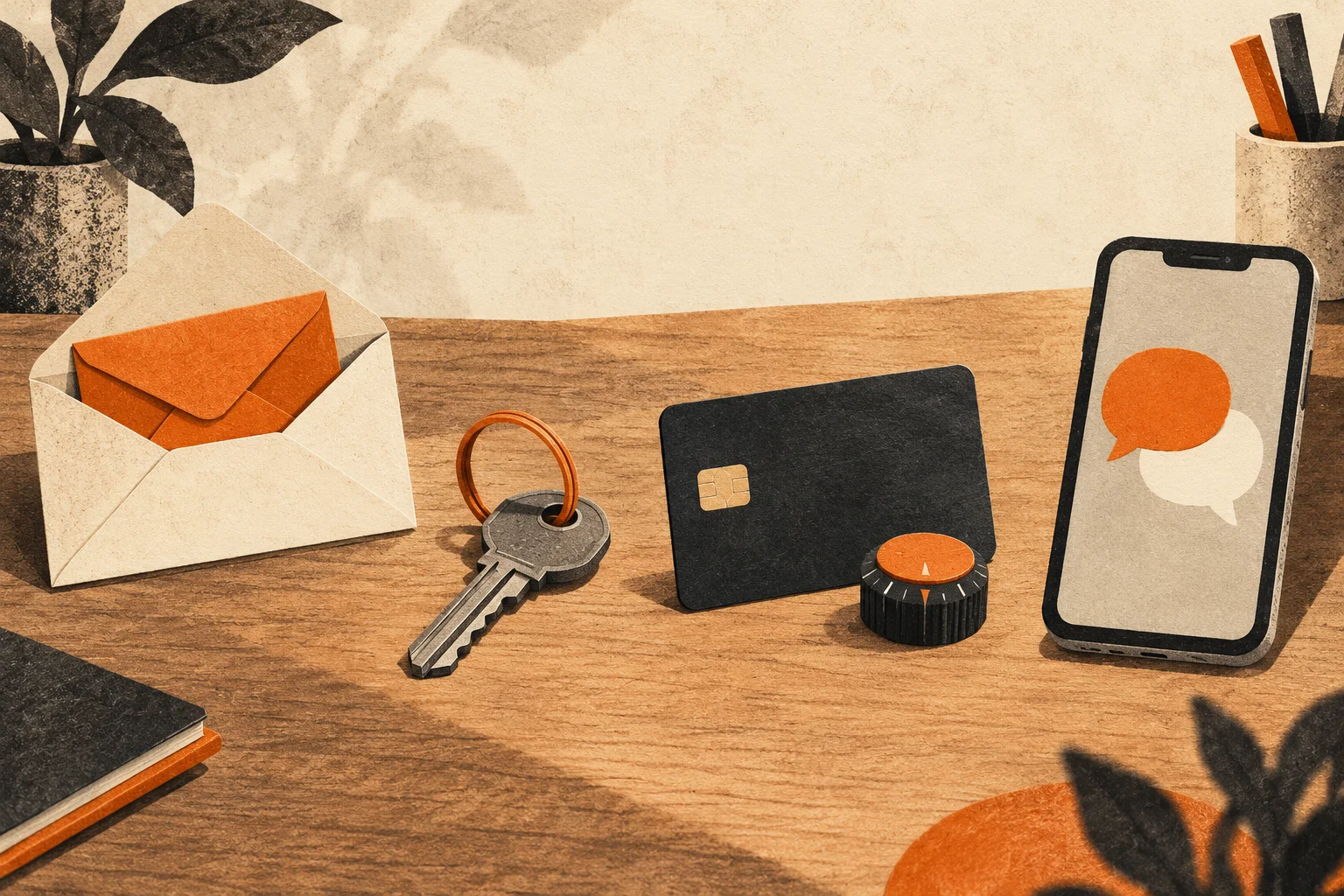
Privacy.com provides virtual cards you can use for online purchases. Its merchant-locked cards become tied to a merchant after their first transaction. You can set limits and pause a card, and subsequent transactions are checked against the merchant and card rules. That gives you more control over an individual merchant’s access to payments. Privacy.com’s merchant-locked card documentation.
For an ordinary subscription or online shop, the routine is straightforward: create a card, label it so you know what it’s for, set an appropriate limit, and use it at checkout. The merchant receives that virtual card’s details instead of the payment credentials you would otherwise enter.
There are limits to what this accomplishes.
Privacy.com is a financial service with identity requirements. Its published eligibility rules cover qualifying US adults and include a US checking account, an SMS-capable US phone number, and an identification number, usually an SSN. It isn’t available to everyone reading this. Privacy.com eligibility requirements.
Privacy.com also holds personal information about its users. You’re putting a service between your funding source and a merchant; you aren’t making an untraceable payment. Privacy.com privacy policy.
And a virtual card doesn’t hide the shipping address you typed into the next box. It doesn’t remove your order history from the store’s database. If you bought something under an account containing your name, the merchant still has that connection.
Use it for the protection it actually provides. Also, cancel subscriptions with the merchant when you want to end them. Blocking a payment doesn’t necessarily cancel the underlying agreement.
Burner: a second number for everyday signups
Your phone number deserves the same attention.
Many people keep one number for a decade or more. Friends have it. Work has it. Banks have it. Then a shop asks for it to send a delivery update, and suddenly another business has a permanent way to reach you.
A second number through the Burner app can be useful for those everyday situations: marketplace listings, unfamiliar businesses, and forms that need a contact number. Calls and texts sent through that number show the recipient your Burner number instead of your personal one. Burner’s FAQ.
Give the second number a clear job. For example, use it for shopping and public-facing contacts while keeping your main number for people and services that really need it.
The name “Burner” can make this sound more anonymous than it is. Its provider’s privacy policy describes collecting account information, device information, IP addresses, and other data. A second number separates what the recipient sees; it doesn’t erase the service provider’s records. Burner provider privacy policy.
Burner is also worth considering because it offers a “Verified Number” option. These behave more like traditional mobile numbers and are accepted by more services for account creation than its standard numbers. It’s a separate subscription, so choose the number type you actually need. “Verified” refers to broader acceptance—it doesn’t mean extra anonymity. Burner’s explanation of Verified Numbers.
If you’re getting one specifically for Telegram, check current compatibility before paying. Burner’s documentation supports the broader acceptance claim, but doesn’t specifically guarantee Telegram will accept it.
Be especially careful about attaching a temporary number to account recovery. Before deleting or giving up a number, remove it from accounts that depend on it. A number you can casually throw away shouldn’t be the only thing standing between you and your main inbox.
What these privacy layers do—and don’t—protect
Now picture a normal purchase with these habits in place.
The store gets an email alias, a password used nowhere else, a virtual card where accepted, and a second phone number if a number is required. You leave optional fields empty.
If that store later leaks its customer database, some of your information may still be exposed. If you had a package delivered, your address could be in there. But the leaked password doesn’t unlock your other accounts. The email address isn’t the one you’ve handed out for fifteen years. The phone number isn’t necessarily the one your family uses.
There’s less to carry from that one database into the rest of your life.
You still need to be skeptical when someone contacts you. A caller knowing your name, address, or recent purchase doesn’t prove they work for the company. Those details might be exactly what was stolen. If a message claims there’s an account problem, open the service yourself through its known app or website. Don’t let the message choose your route in.
For crypto, be particularly wary of anyone offering to “secure” your funds by having you move them. Coinbase explicitly warns that it won’t ask customers to send funds to a supposed safe wallet or hand over passwords and authentication codes. Coinbase’s scam warnings.
For browser privacy, our guide to using Monero Love over Tor covers the onion mirror and the limits of what that changes.
There’s a reason this belongs on monero.love. Caring about financial privacy should also make us think about the checkout forms, customer accounts, and contact details surrounding our purchases. Whatever payment method you choose, information you give directly to a merchant remains a separate exposure.
Next steps: JMP.chat and prepaid cards
Once you’re comfortable with these basics, there’s more to explore. In the next privacy guide, we’ll look at JMP.chat for calling and texting, plus prepaid cards for purchases. We’ll cover how to choose and pay for them, where identity requirements still apply, and the mistakes that can tie everything back to your everyday accounts. For now, get these first few layers in place. They’re useful even if you never go further.
If a service asks for your ID, read what KYC means for your privacy before uploading it.
Begin with your next signup. Make an alias. Generate a unique password. Pause before filling in the optional phone-number field.
You’ll still be you. You’ll just have given one fewer company a permanent set of details to lose.