Monero / Privacy
How Monero Privacy Works: Stealth Addresses, RingCT, and Its Limits
Learn how Monero hides payment amounts and recipients, obscures spent outputs, and limits network leaks. Part two explains the proofs and their limits.
Monero / Privacy / Wallets
Learn what Monero churning changes, when a self-transfer may help, and how to send XMR to yourself without sweeping unrelated funds.
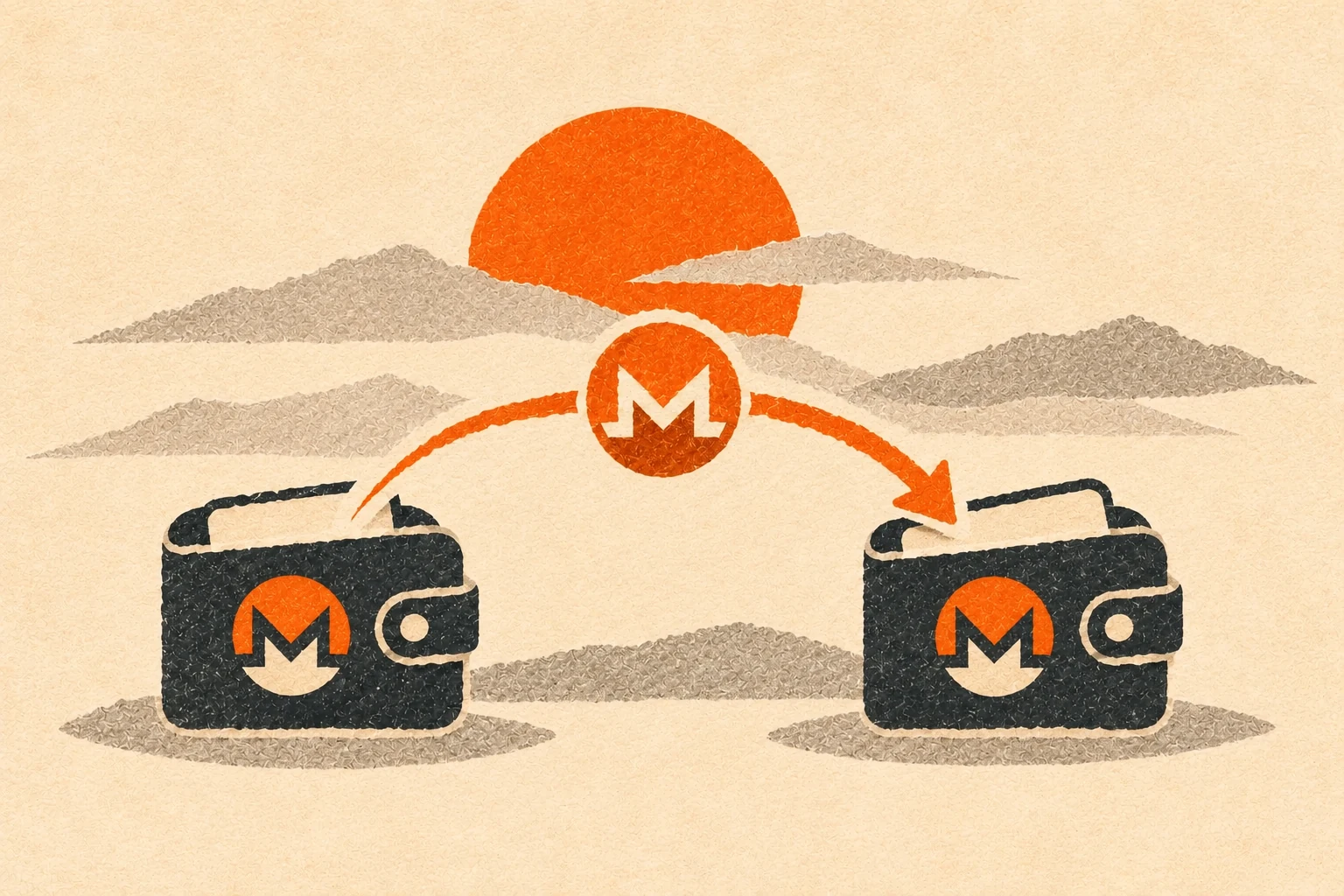
Monero churning means sending XMR to an address you control to create a fresh output. It can add uncertainty for someone who already knows about a payment you received and is trying to connect it to a later spend. For everyday payments, skip the extra transfer. Each transfer costs a fee and temporarily locks the funds. The privacy benefit depends on what the observer already knows.
Your wallet shows one balance, but it holds individual pieces of incoming payments called outputs. When you send XMR, your wallet spends one or more of those outputs. For each one it spends, the transaction lists a ring of possible inputs: the real output and decoys. An observer can see the candidates, while the signature conceals which one you spent. How Monero's ring signatures work.
A self-transfer spends one or more of your existing outputs and creates a new output you can spend later. Suppose someone who paid you knows the original output. A later spend of the new output could list the original output as a decoy. The real input is now the output created by the self-transfer. To connect the two payments through the chain, the observer now has to account for another transaction. If they suspect the self-transfer, they can still examine its public outputs as candidates for the next spend. Monero Research Lab's discussion of churning.

Research offers no reliable waiting period or round count. Repeated transfers as soon as each output unlocks can create a regular timing pattern. The Monero Research Lab roadmap flags repeated self-spends as a possible statistical signal. A later study of churning and EAE found spurious paths alongside historical connections in its preliminary analysis.
In the official CLI, enter the following at the wallet prompt. Replace ADDRESS with your own receiving address and AMOUNT with the amount of XMR to send.
transfer ADDRESS AMOUNT
If you need to spend exactly one output, the official wallet has a sweep_single command. Run help sweep_single to see the syntax for your version. The command takes the key image that identifies the output to your wallet and sends its spendable value after the fee to the destination you supply. Monero v0.18.5.4 wallet CLI source.