Privacy / Security
GrapheneOS and Pixel 11: What Changed and What Is Wrong
Pixel 11 lacks official GrapheneOS support. Learn why memory tagging matters, what Google improved, and the drawbacks for privacy and Monero wallet users.
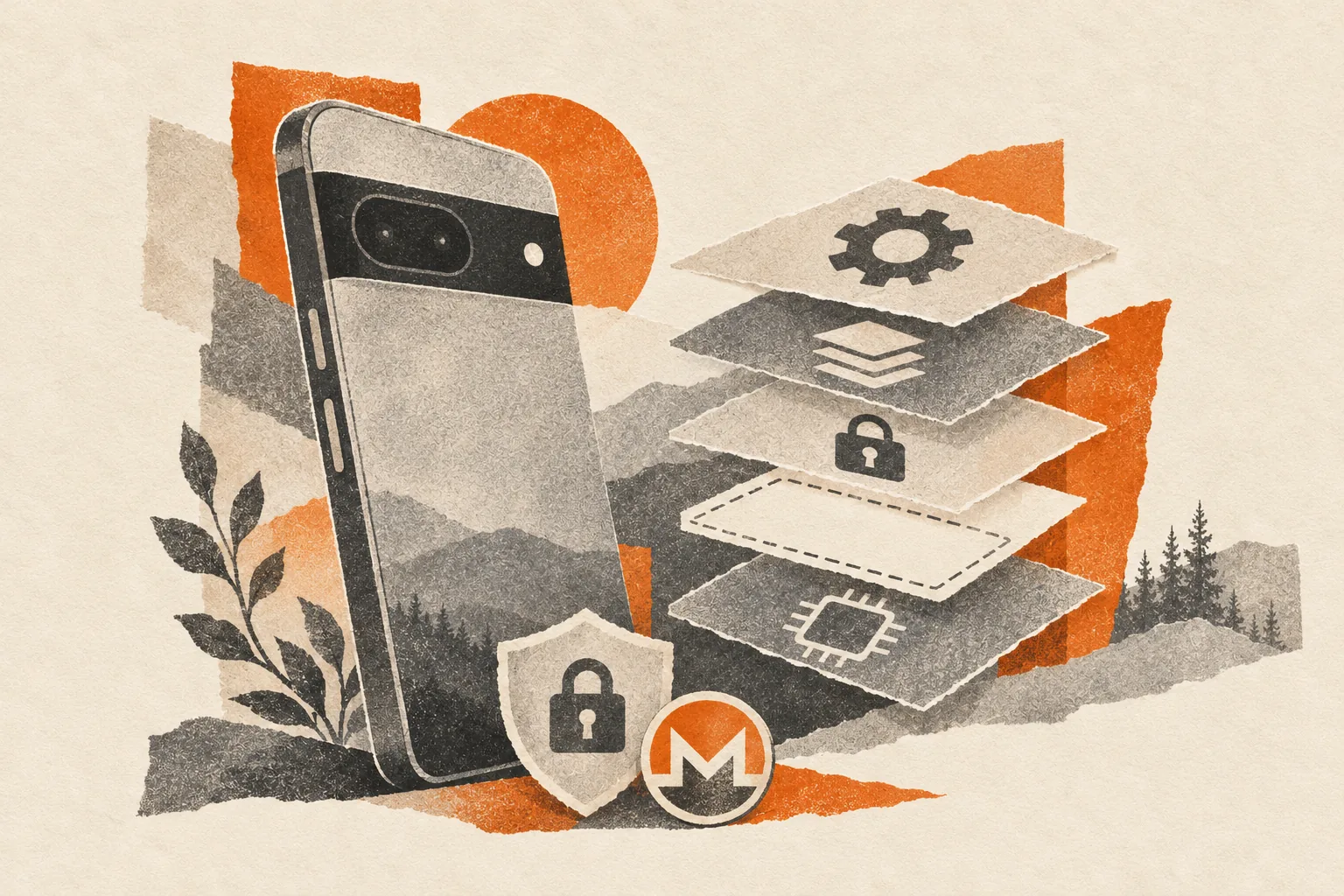
Buying the newest Pixel used to be a reasonable starting point for someone planning to install GrapheneOS. Pixel 11 makes that assumption expensive. As checked on November 5, 2026, it has no official production support on the GrapheneOS device list.
The developers say unavailable Arm Memory Tagging Extension support, or MTE, blocks their partial port. Google advertises other security improvements, but those protect different parts of the phone. For a Monero user, the choice affects the device holding wallet keys and displaying payment details.
What changed with Pixel 11?
Google's Pixel 11 specifications list Android 17, the Tensor G6 processor, a Titan M3 security coprocessor, and hardware support for quantum-safe secure boot. Google promises seven years of operating-system, security, and Pixel Drop updates.
Those improvements do not guarantee compatibility with an alternative operating system. A seven-year update promise for Google's software is not a seven-year GrapheneOS commitment.
In its Pixel 11 announcement, GrapheneOS says it cannot complete the port without MTE. The team recommends against buying the series for GrapheneOS. Its finding concerns the functionality available to the operating system, while leaving questions about the silicon unresolved.
We have not independently inspected the silicon, and the sources reviewed do not establish Google's reason for the missing support. Claims that Google deliberately cut it to save money are the developers' interpretation. User-posted support-chat replies are not engineering confirmation that a future update will restore it.
Why memory tagging matters
Software sometimes accesses memory it should no longer use, or writes beyond an allocated region. These mistakes include use-after-free bugs and buffer overflows. An attacker may exploit them to corrupt program state or gain control of a process.
Android's MTE documentation explains how hardware tags help detect these mistakes. Memory allocations receive tags, and pointers contain matching tags. The processor checks whether they match during memory access. In synchronous mode, a mismatch can stop the offending process immediately.
Think of numbered storage compartments and matching collection tickets. A stale ticket should not grant access to a compartment that now belongs to someone else. The check adds a barrier against these programming errors becoming usable attacks.
MTE cannot catch every memory bug or stop every exploit. It works alongside app isolation and software updates. Its absence leaves fewer defenses against memory corruption, without establishing that any particular phone has suffered an attack.
GrapheneOS integrates memory tagging into its hardened memory allocator and kernel protections on supported hardware. This is part of how the system reduces the chance that a bug becomes a compromise. Losing that capability undermines a feature the project actively uses.
Better boot security does not replace runtime protection
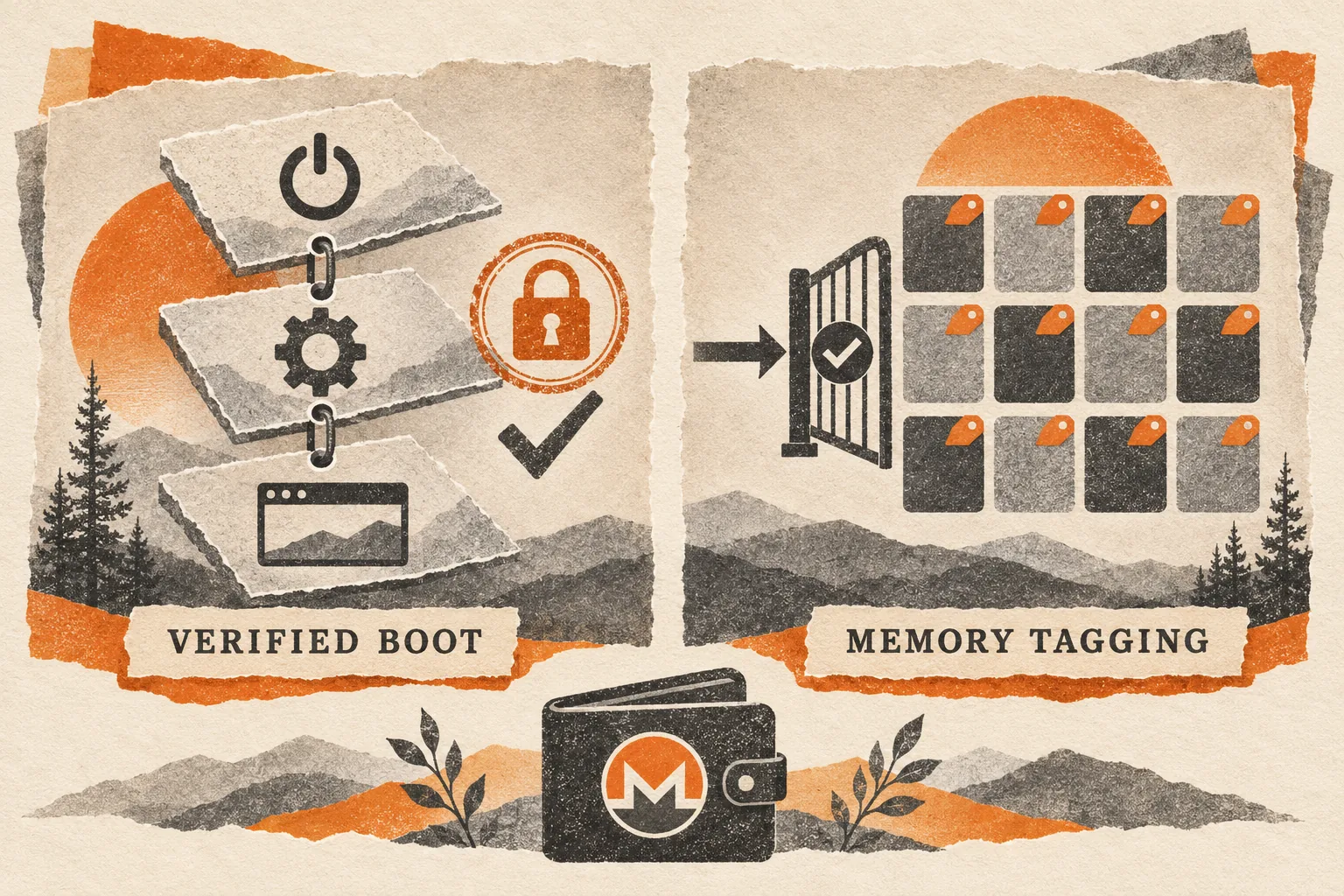
Verified boot checks the authenticity and integrity of software through a chain of trust. It also works with rollback protection to resist loading older software versions. Google's quantum-safe boot claim concerns that trust mechanism.
Memory tagging checks memory accesses while code runs. A correctly signed browser can still contain a memory-safety vulnerability. Passing the boot check does not make every operation that browser performs safe.
The same distinction applies to storage encryption. Android's file-based encryption documentation separates credential-encrypted storage from storage available before the first unlock. Before First Unlock, or BFU, describes the state after boot before the user first supplies their credentials. After First Unlock, or AFU, describes the state after that first authentication.
Locking the screen again does not ordinarily return the whole device to its freshly booted state. Apps may continue operating with access to their unlocked data. Stronger protection for keys at rest and stronger resistance to exploitation during use address different risks. A wallet needs both.
What GrapheneOS improves, and where it stops
GrapheneOS is an Android-based operating system with extra hardening and privacy controls. It preserves Android's app sandbox while adding controls such as Network permission, Storage Scopes, Contact Scopes, and stronger restrictions on exploit techniques. Its feature documentation describes these controls and their limits.
Those settings let you reduce what an app can access. A shopping app need not see an entire address book. An offline utility need not contact its developer's servers. Separate user profiles can also help keep activities apart.
This still requires judgment. Grant an app permission to upload a document and it can upload that document. Sign into a personal account and the service knows which account you used. GrapheneOS cannot make a disclosure disappear simply because it happened on a hardened phone.
The everyday drawbacks of GrapheneOS
Banking and payment apps can refuse to work
Google's Play Integrity API lets developers check app integrity and whether a device meets Google's certification criteria. Developers decide how to respond to the results. This creates a compatibility problem for alternative operating systems even when they preserve verified boot and other security protections.
An app's refusal to run is not, by itself, a comparative security assessment of two operating systems. It may be a product-policy decision. A blocked banking app can still prevent someone from accessing an essential service. Test essential services before migrating your only phone.
Google also lists custom ROMs and uncertified software among reasons Wallet tap-to-pay setup can fail. Do not plan a GrapheneOS migration around Google Wallet contactless payments working. NFC hardware support and payment-service approval are separate requirements. Carry another payment method while checking compatibility.
Google compatibility involves choices
GrapheneOS offers sandboxed Google Play. Play services run as ordinary apps within a chosen profile, without their usual privileged integration. This helps applications that depend on Google services, but it does not make those services anonymous.
Some notifications need the documented battery-optimization exception for Play services. Android Auto requires a compatibility extension and permission choices. These are manageable tasks, but they add setup work that a stock phone may hide from you.
Compatibility depends on the app, service, permissions, and configuration. Test your bank, notifications, car connection, and carrier features before relying on the phone.
Stronger checks can expose broken apps
A memory-protection check can stop an app when it catches a bug. That can look like an ordinary crash. GrapheneOS documents crash reporting and per-app compatibility options for such cases. Weakening a protection may restore functionality, but it also reduces protection for that app. Prefer an app update or a targeted workaround over disabling safeguards broadly.
Installation can wipe your wallet
The official installer requires a supported device and an unlockable bootloader. Unlocking wipes the phone. The installation procedure also requires relocking the bootloader and verifying the installed system. A phone advertised as SIM-unlocked is not proof that its bootloader can be unlocked.
Back up recovery information before beginning. Do not experiment with an unofficial Pixel 11 port on the only device containing a usable wallet. A bootable community build is not the same thing as an officially maintained release.
Monero wallet keys and network privacy
Monero's transaction privacy does not protect a seed displayed inside a compromised wallet application. If an attacker controls the app or operating system deeply enough, the risk includes stolen recovery information, altered payment details, or exposure of local records. This describes potential consequences of device compromise. We found no evidence in the cited disclosures of Pixel 11 Monero wallet theft.
The Monero recovery guide explains why the seed and any required passphrase must remain available outside a failed device. Record the wallet's recovery instructions and restore height where appropriate. Keep recovery material offline and verify it before wiping or replacing a phone.
Wallet network privacy needs separate attention because GrapheneOS does not automatically route connections through Tor or hide them from a remote node. Our remote-node guide explains what the wallet and node each do. Review your wallet's connection settings separately from the operating-system installation.
Which phone should you choose now?
If you need GrapheneOS, buy from its current supported list. Pixel 8, 9, and 10 families, including listed A-series models, offer established options. Check the exact model, bootloader eligibility, remaining support period, condition, and return policy before paying.
The support schedule also explains a limitation of alternative operating systems: full security updates still depend on the manufacturer supplying firmware and driver fixes. Temporary extended support cannot replace missing vendor patches indefinitely.
For an existing supported phone, a missing Pixel 11 port is not a reason to replace it. Keep its operating system and apps updated. If you already bought Pixel 11 specifically for GrapheneOS, base your decision on support available now and your seller's actual return terms. An anticipated firmware change or future handset is not an installable, supported operating system today.