Privacy
Tails, Whonix, and Qubes: A Beginner's Introduction
Learn the basic differences between Tails, Whonix, and Qubes OS: temporary sessions, Tor connections, separate workspaces, and where to start.
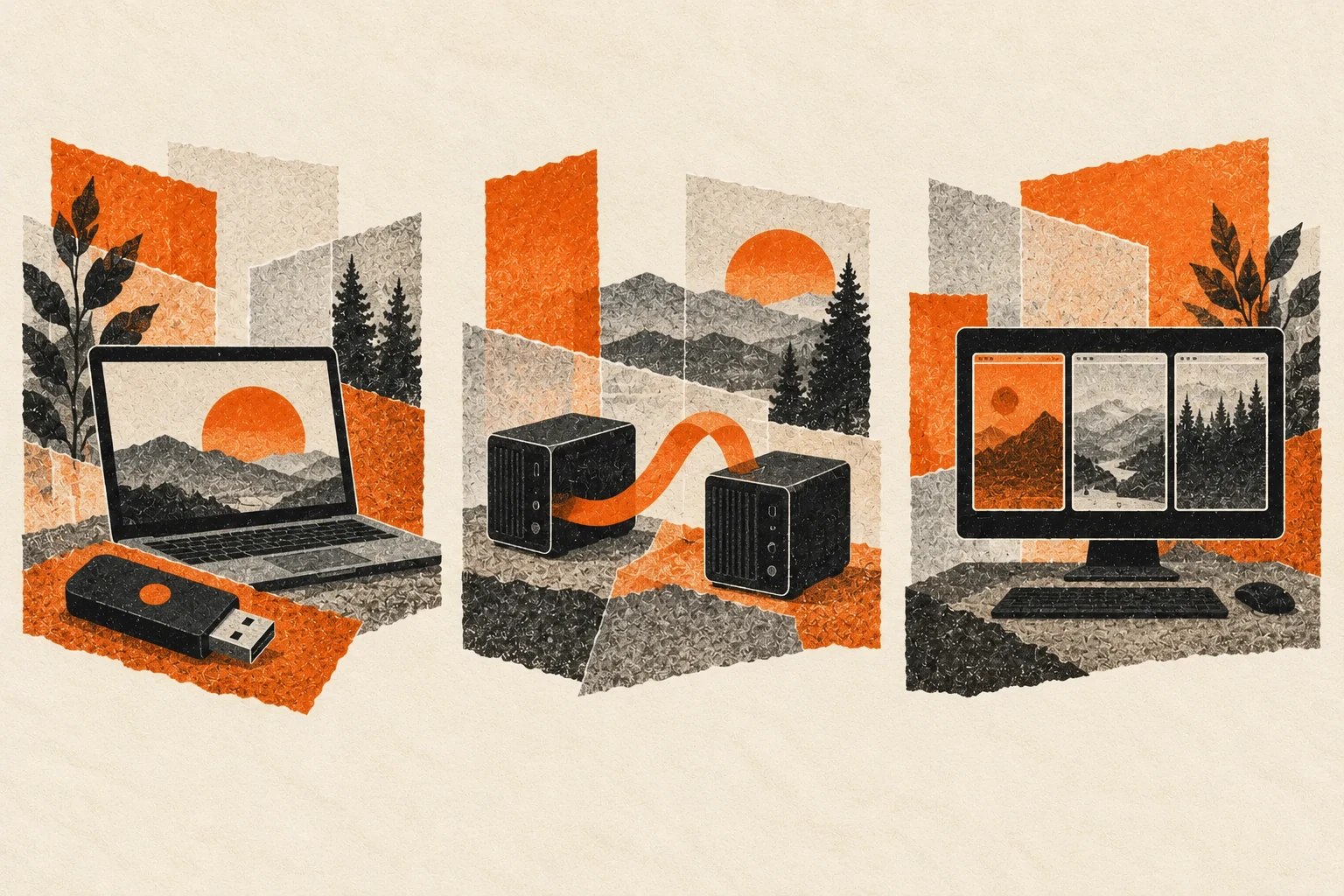
Tails starts a temporary desktop from USB. Whonix puts applications behind a separate Tor gateway. Qubes OS divides a computer into isolated workspaces. Choosing between them depends on whether you need a temporary session or a setup for everyday work.
Tails: a temporary desktop on a USB stick
Tails starts from a USB stick instead of your computer's usual operating system. Restart the machine and select the USB device to open the Tails desktop.
Its defining feature is that it forgets the session when you shut down. By default, your work is not saved for the next visit. That can be useful when you want a separate session without leaving ordinary browsing history and documents on the computer's internal drive. How Tails works.
For files you need to keep, Tails offers optional encrypted Persistent Storage on the USB stick. You choose what to preserve and unlock it with a passphrase. Check which folders are persistent before saving anything you need to keep. Tails Persistent Storage.
Tails routes ordinary internet activity through Tor, a network that passes connections through relays to help conceal their origin. Its separate Unsafe Browser is an exception intended for network sign-in pages. Do not use it for anonymous browsing. A temporary session also cannot protect you from malicious hardware. Tails safety guidance.
For a first practice session, browse a page and write a short note. Shut down, start again, and see what remains. If you enable Persistent Storage, repeat the exercise with a harmless file saved there. Check both the saved file and a note left outside Persistent Storage.
Forgetting happens on your computer. A website can still keep records of an account you used or a message you sent. Shutting down Tails does not reach across the internet and delete those records.
Whonix: separate the apps from the connection
Whonix commonly runs inside virtual machines. A virtual machine is a software-based computer running within another computer. Your existing system is the host. The virtual computers run on top of it.
Whonix divides the work between two parts. The Workstation is where you use applications. The Gateway handles their connection through Tor. Keeping those jobs separate helps prevent an application from connecting directly to the internet and exposing your normal IP address. Whonix overview.
Whonix normally keeps your files and settings between sessions. It does not automatically forget everything like a default Tails session. You also still need to maintain the host computer: a compromised host can undermine the virtual machines running inside it. Whonix host guidance.
You might want a workspace for a research project that you return to throughout the week. Keeping bookmarks and notes can make Whonix convenient for that routine. An ordinary browser opened on your host does not use Whonix just because the virtual machines are running.
Use the Workstation for everyday applications and leave the Gateway to handle their Tor connection. Follow the project's instructions for updates and supported configurations. Before changing network settings, understand which connections the change affects and how to undo it.
Qubes: give different activities separate rooms
Qubes OS is a system you install to organize your computing into isolated compartments called qubes. You might have one for work, another for personal accounts, and another for opening unfamiliar documents.
These are more than folders or extra desktops. Qubes uses virtual machines to create separation, aiming to contain trouble in one compartment instead of letting it spread to your other workspaces. Colored window borders help you recognize where an application belongs. Introduction to Qubes OS.
Qubes does not automatically make every activity anonymous. Its main job is isolation. It can also run Whonix, combining separate workspaces with Tor networking for the appropriate qubes. Qubes-Whonix overview.
This asks more of you than starting an ordinary app. Check the project's hardware requirements before planning an installation, and expect to learn how files, updates, and devices move between compartments. Qubes system requirements.
Suppose you receive an unexpected document while working. In a compartmentalized setup, you can give unfamiliar material its own space instead of opening everything beside your personal accounts. The separation limits which applications and files a compromised program can access. Copying material between qubes can expose the destination to it.
Give each qube a clear purpose and name so you can tell where you are opening a file. Copying a document into another qube crosses the boundary you created. Decide whether that destination should have access to it.

What happens to your files?
Before choosing a system, decide what you need tomorrow. A temporary browsing session and an ongoing writing project have different storage needs. Tails makes you choose what persists. A normal Whonix workspace retains data. Qubes separates activities, but separation alone is not a backup.
Back up files you intend to keep. Persistent storage still depends on a working drive or USB stick.
If you experiment with Monero in a new environment, understand where the wallet files and recovery information live before receiving funds. A private connection cannot recover a lost seed. The official Monero recovery guide explains restoring a wallet from its seed.
Updates matter after installation
The version you installed is only a starting point. Update the system before using it for sensitive work, then follow the update instructions for that platform.
As checked on November 7, 2026, Tails 7.16 is the latest announced release. Published October 30, it updates Tor Browser to 16.0 and Tor to 0.4.9.15, and fixes OpenPGP support in Thunderbird. Tails offers automatic upgrades from version 7.0 onward. Use its upgrade process to keep Persistent Storage. Installing a fresh image onto the same USB stick erases that storage.
Whonix announced non-Qubes 18.2.4.3 on November 6, including the Debian APT fix. Existing installations can receive updates without reinstalling. Update both the Gateway and Workstation using the Whonix instructions.
Qubes-Whonix follows a different process. QSB-122 requires the Qubes Update tool or its command-line equivalents. Command-line users update dom0 first, then Debian and Whonix templates and standalones. Do not run APT directly as a substitute. Our APT advisory coverage explains the fixed versions and repository availability. The separate Xen update requires rebooting the Qubes computer.
Tails vs Whonix vs Qubes: which should you try?
Start with the job you want to do:
- Tails: try a temporary desktop that normally forgets the session.
- Whonix: keep a continuing workspace whose internet connections go through a separate Tor gateway.
- Qubes: organize everyday computing into isolated compartments, with more setup and learning involved.
Start with one system that fits your task. Read its official installation instructions and practice with unimportant files before relying on it.
Signing into your personal account still identifies you to that service. Uploading a document containing your name can do the same.