Privacy / Tor
Monero Love launches a free Nostr relay with Tor access
Connect to Monero Love's free Nostr relay. Get the clearnet and Tor onion addresses, app setup steps, rate limits and 90-day retention policy.
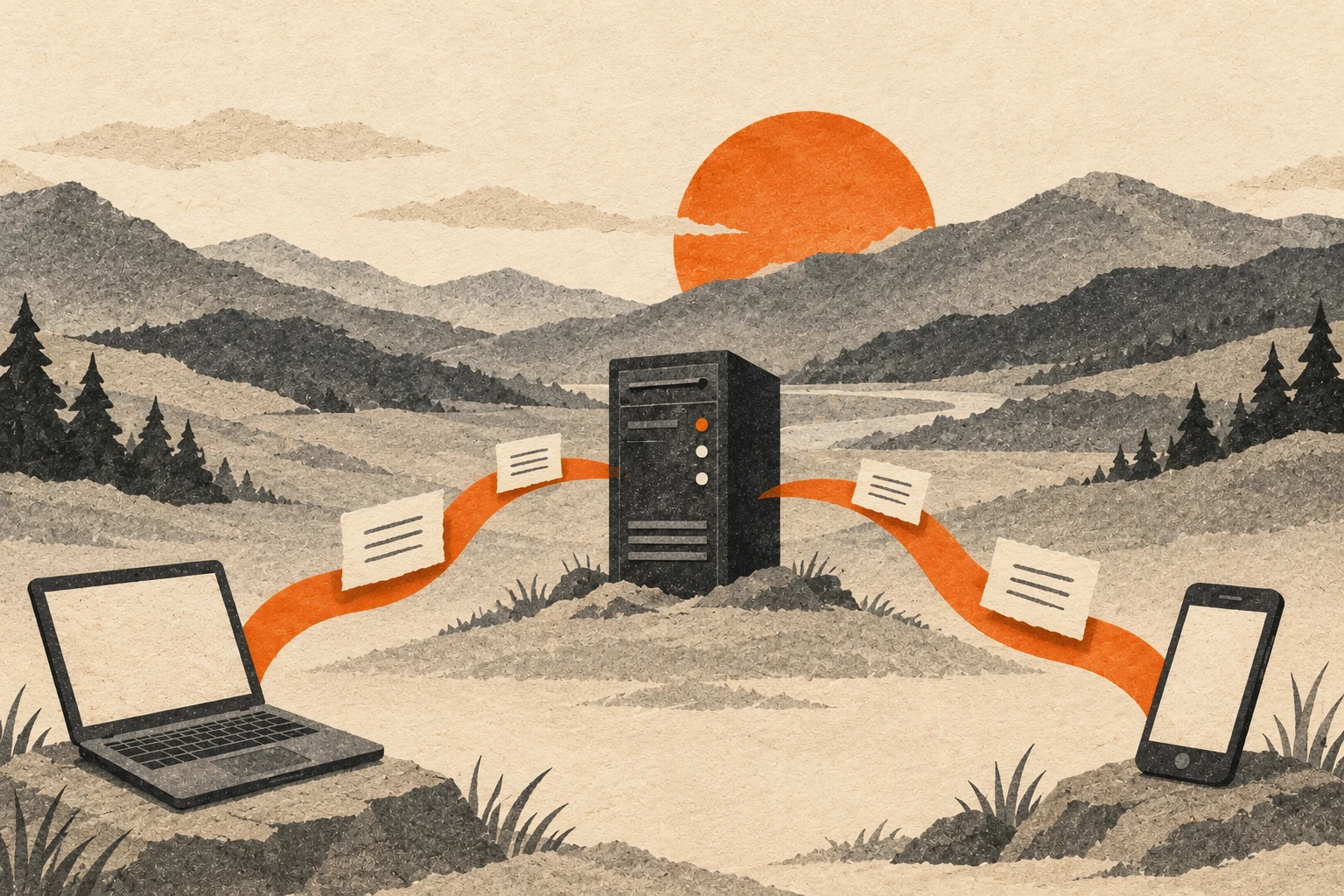
Monero Love's public Nostr relay is available at wss://relay.monero.love, with a Tor onion address for clients that support it. Ordinary reads and writes are free. You do not need a relay account, payment, or Monero balance to connect.
Our article bot publishes here alongside Damus, nos.lol, and Primal. You can use the relay for your own public notes too. Both connection routes reach the same service and stored events, so a note submitted through Tor can be read through the regular address.
The relay homepage provides copyable addresses, a connection check, and the current service limits.
New to the protocol? Read our guide to how Nostr works for an explanation of keys, signed messages and relay discovery.
How to add the Nostr relay to your app
Use this address for a regular connection:
wss://relay.monero.love
- Open your Nostr app's Settings and find Relays or Relay settings.
- Choose the option to add a relay, then paste the address above.
- Enable Read and Write if the app offers separate switches and you want to retrieve and publish notes here.
- Save the change and check the app's connection status.
- Keep other relays available for redundancy. If you need Tor for all connections, check their routing too.
Menu names and custom-relay support vary between apps. Use the same Nostr identity you already have. Your app or signer handles signing, and our website never needs your private key.
Enabling reads lets the app request events. Enabling writes allows it to send new posts here. Adding a relay may not copy your older writing automatically. Check your client's synchronization features if you want to republish earlier notes, subject to our retention policy.
How to connect to the relay over Tor
The onion relay address is:
ws://5vpajljniv5i762fnx62snwtfm2ru3ycbjlxs35evndkvp6rqprfwnqd.onion
Use a Nostr client that supports onion relays and routes its relay connections through Tor. Enable its Tor connection or configure its supported Tor proxy, following that client's documentation. Then add the onion address in relay settings and enable the reading or publishing options you need.
For the information page, open the onion homepage in Tor Browser. The page can test its own relay connection. Opening it does not configure a separate Nostr app to use Tor.
Keep the prefixes as shown. The relay uses ws:// on its onion address and wss:// on the regular address. Onion-service traffic is encrypted within Tor, as explained in the Tor Project's onion-service overview. Changing the onion prefix to wss:// will not add a working TLS endpoint.
Some browser-based clients cannot connect to this ws:// address from an HTTPS page because of mixed-content restrictions. If your client rejects it, use a client with documented onion-relay support instead of weakening browser security settings.
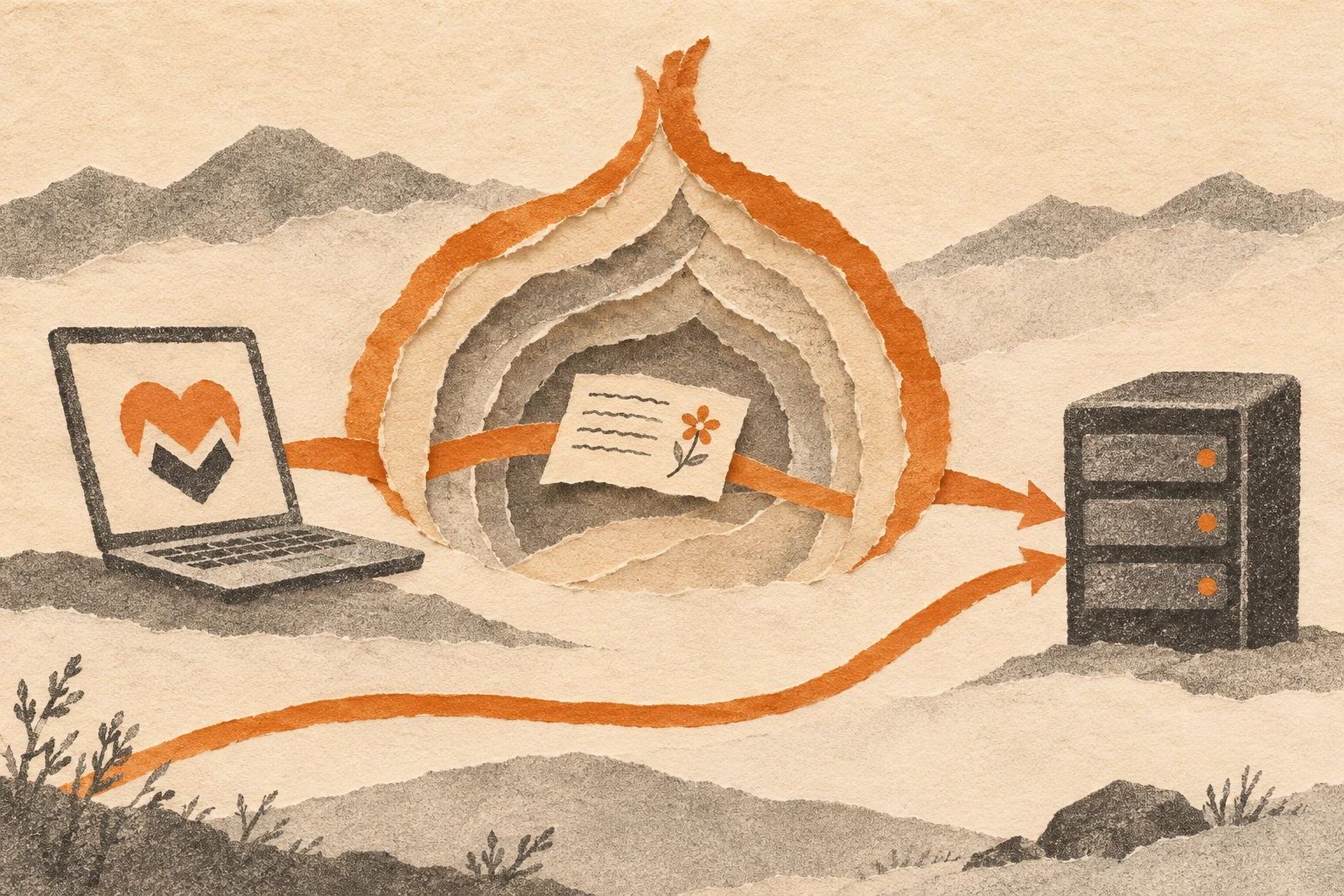
Tor hides your source IP address from this relay when the connection uses the onion route. Your public key and public notes remain visible. Direct connections to other relays can still expose your IP address to those operators. Adding the onion address does not reroute the rest of your app's traffic.
The two addresses share one database. Configuring both does not create two independent copies or a second backup.
Who can see posts on this relay?
A public note accepted here is available to readers who request it. Nostr does not broadcast every post to every relay. A follower's client needs to query a relay holding the event, or discover where to find it.
Clients supporting NIP-65 relay lists can advertise publishing relays and discover where other people post. Support differs between clients. Keeping copies on several independently operated relays improves availability, but does not guarantee an audience. Hashtags describe the topic without guaranteeing a place in anybody's feed.
To follow our article announcements, search for monero@monero.love in a compatible client or open the Monero Love profile. Following the account and adding the relay are separate actions.
Relay limits and 90-day retention
We accept events up to 90 days old. An hourly cleanup removes stored events older than that threshold. Age comes from the event timestamp, so uploading an 89-day-old note does not grant another 90 days. Keep your own copies of important writing.
The maximum event size is 16 KiB. The per-author publishing allowance is 30 events per minute with a burst of 60. Connection and shared capacity limits also apply. Onion users share an additional connection-source publishing allowance, so heavy traffic from other onion users can affect acceptance. The relay policy lists the current limits.
Both routes use these same retention and per-author rules. If storage runs low, new writes can be restricted while reads continue. Neither address is a permanent archive.
Troubleshooting relay connections and rejected posts
Check for pasted spaces, the correct prefix, and the complete hostname. For the onion address, confirm that the app's Tor connection has finished starting. A working homepage proves website reachability, not that a separate client has connected or successfully published.
Read any rejected-write reason before retrying. Wait after a rate-limit response. A connected relay returning an empty feed may simply have no events matching the app's request. Keep another suitable relay available while troubleshooting.
This is a Nostr messaging service, separate from our Monero nodes. Put these addresses in a Nostr client's relay settings, not a wallet's remote-node field.